
R6 marketplace buy order vs sell order is the distinction that decides whether you get the item you want, the price you want, or nothing at all. Every trade starts with one of these two order types. Keep reading for the complete, practical breakdown.
This guide explains what a bid and an ask are, how orders are matched, and when to place a buy order, a sell order, or no order at all. No trading experience is needed.
One caveat up front: the order-book mechanics described here — bid ceilings, asks, first-in-first-out matching, and reserved credits on bids — are reported by independent fan guides, not independently verified official policy. Always check the current marketplace interface and official sources before committing credits.
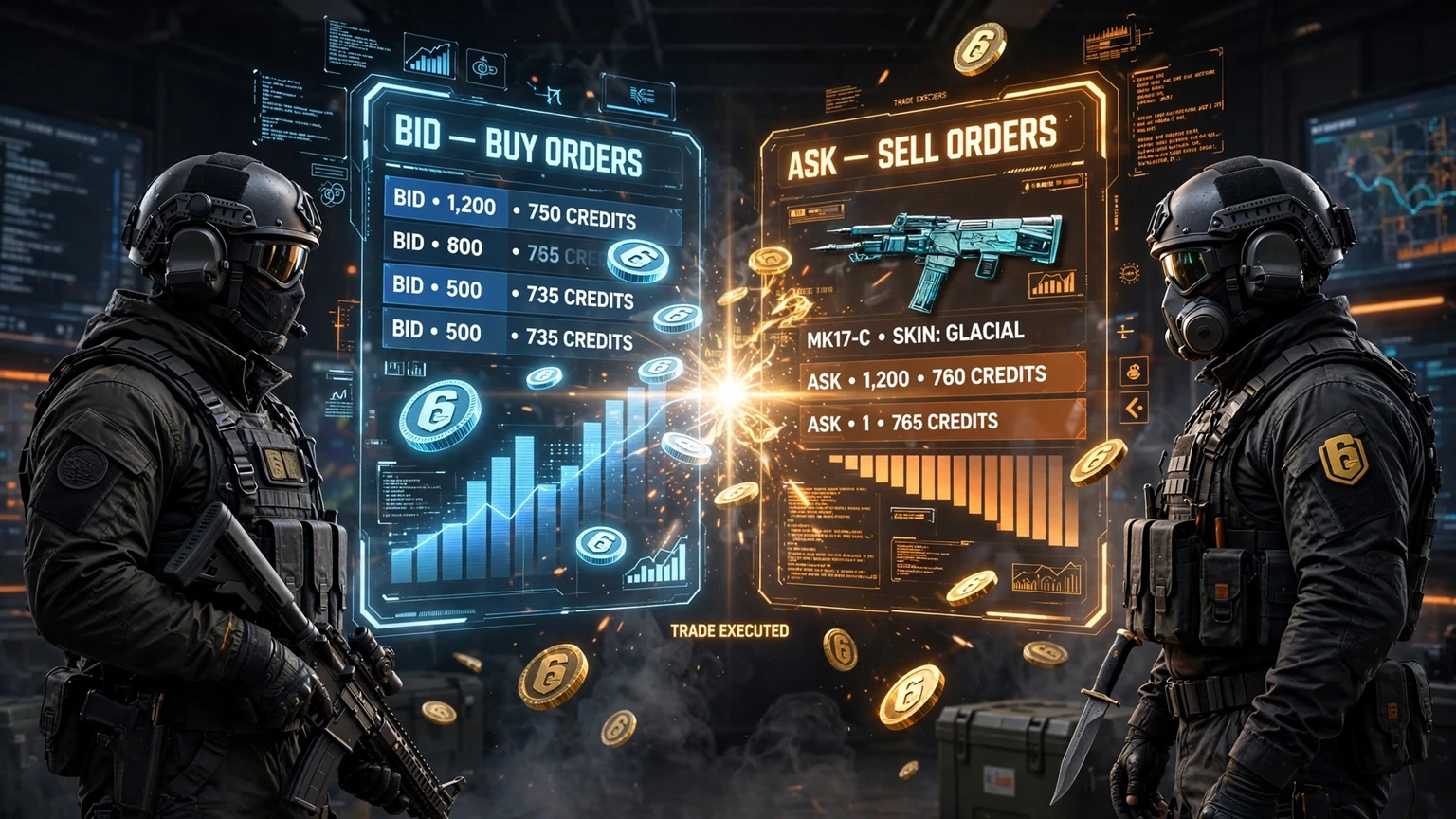
Buy orders and sell orders meet in the order book — understanding the difference is the key to trading well.
What Is a Buy Order?
A buy order, also called a bid, is an instruction to buy an item at a price you choose: "I want this item, and I am willing to pay up to this amount." That price is your bid ceiling. You will never pay more than it, but you may pay less if a seller accepts a lower price.
Buy orders suit patient buyers. If an item feels overpriced, or you are happy to wait for a better deal, a buy order lets you name your price and wait. If a seller accepts it, the trade completes automatically; otherwise it stays open until it expires or you cancel it.
One detail catches beginners by surprise: the credits you offer are usually reserved. The marketplace holds them aside so they are available the moment a matching seller appears, and you cannot spend them elsewhere while the order is live. Only place buy orders you can afford to see filled.
When a Buy Order Makes Sense
- You want an item but think the current asking price is too high.
- You are patient and willing to wait for a seller to meet your price.
- You want a firm spending limit and to avoid impulse buying.
- You are tracking a price trend and believe the item will come down.
What Is a Sell Order?
A sell order, also called an ask, is the opposite instruction: "I own this item, and I am willing to sell it for at least this amount." A buyer whose bid meets or exceeds your ask triggers the trade, and you receive the proceeds minus any marketplace fee.
Sell orders suit sellers who want a hands-off sale. You set your price, list the item, and wait while the marketplace matches buyers for you. Too high and nobody buys; too low and you leave credits on the table.
Unlike a buy order, a sell order reserves the item, not credits. While it is live, the item is committed to that listing and cannot be traded elsewhere. Before listing anything, make sure you genuinely want to part with it at that price.
When a Sell Order Makes Sense
- You own an item you no longer want and want credits for it.
- You have a target price in mind and are willing to wait for a buyer.
- You want to sell without negotiating with individual buyers.
- You are clearing inventory and prefer a clean, hands-off sale.
Buy Order vs Sell Order: The Key Differences
The simplest way to keep the two straight is who offers what: a buy order offers credits for an item, and a sell order offers an item for credits. Everything else — price direction, what gets reserved, and what happens when the order fills — follows from that difference.
| Feature | Buy Order (Bid) | Sell Order (Ask) |
|---|---|---|
| Who places it | A buyer | A seller |
| What is offered | Credits, up to a set ceiling | An item, for at least a set price |
| What is reserved | The offered credits | The listed item |
| Trade triggers when | A seller accepts at or below your bid | A buyer bids at or above your ask |
| Best for | Patient buyers seeking a better price | Sellers wanting a hands-off sale |
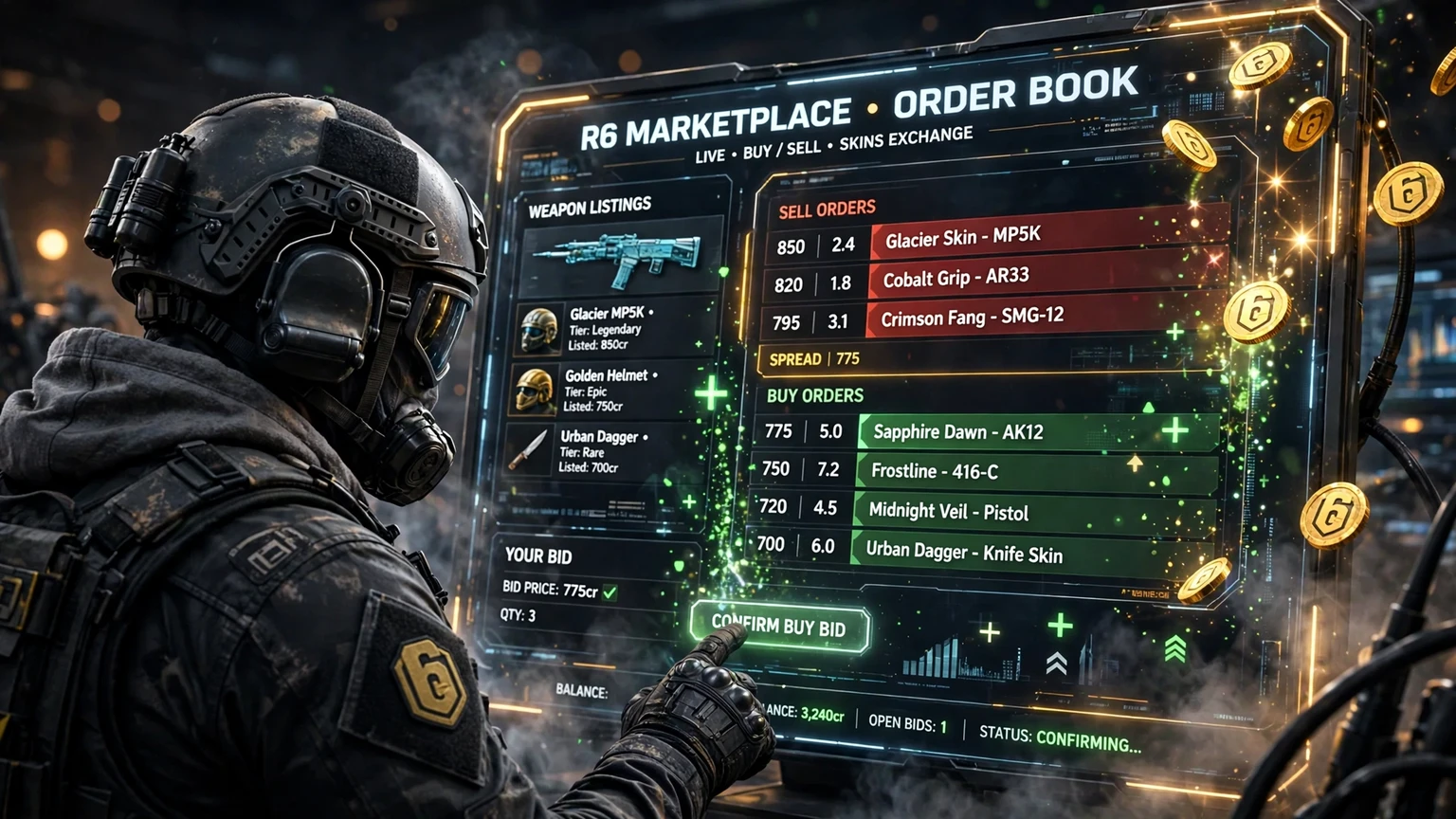
Picture the order book as two queues facing each other: buy orders ranked from the highest bid downwards, and sell orders ranked from the lowest ask upwards. The gap between the best bid and the best ask is the spread. When a new order crosses the spread — a bid at or above the lowest ask, or an ask at or below the highest bid — a trade happens. Until then, both sides wait.
How FIFO Matching Works
FIFO stands for first in, first out: the rule that decides whose order fills first when several orders wait at the same price. The earliest order at a given price is matched first. Price comes first, and time breaks the ties.
Imagine three buyers have all bid the same amount for one item. The first bidder is at the front of the queue, so when a seller lists at that price, the first buyer's order fills first and the other two keep waiting. The same logic applies on the sell side. That is why ordering early matters, and why cancelling and re-placing sends you to the back of the queue.
A Simple Matching Example
Consider one item with this order book. These numbers are illustrative examples only, not current prices:
- Buyer A bids 100 credits, placed first.
- Buyer B bids 100 credits, placed second.
- Seller C asks 100 credits.
Seller C's item goes to Buyer A, who was first at that price. Buyer B waits until another seller lists at 100 credits. If a seller instead asks 120, no trade happens. The order book only matches when bid and ask overlap.
Bid Ceilings, Asks, and the Spread
Your bid ceiling is the maximum you are willing to pay, and it is the most important number on a buy order. Too low and your order may sit unfilled for weeks. At or above the lowest ask and it fills immediately, but you may pay more than you needed to. Good buying means balancing patience against the risk of missing out.
The ask works the same way in reverse: asks below the highest bid fill instantly, and asks above it wait. A narrow spread usually means an active market; a wide spread means buyers and sellers disagree sharply, or that little trading is happening. A buy order slightly above the best bid, or a sell order slightly below the best ask, is often enough to get a trade done.
When to Place Which Order
The choice between order types is really a choice about your role in a particular trade. Are you trying to acquire an item, or dispose of one? That question answers itself in most cases, but there are situations where the decision is less obvious.
Place a buy order when you want an item and can afford to wait. It works best for regularly traded items with a clear maximum price, and poorly for rare items with almost no sellers, where your order may never fill.
Place a sell order when you own an item and want credits for it, with a realistic price in mind and no hurry. If you need credits urgently, a sell order at the lowest current ask — or slightly below it — will usually fill fastest, because it jumps to the front of the seller queue on price.
There is also a third option beginners often forget: place no order at all. If the market is thin, the spread is enormous, or you are unsure of an item's value, watch for a few days. Check the price tracker and the site's item prices guide first.
Common Mistakes With Buy and Sell Orders
- Bidding your full budget on every item. Reserved credits cannot be spent elsewhere while a buy order is live, so overlapping bids can lock up your balance.
- Listing an item you still want to use. A live sell order commits the item, so check twice before you list.
- Chasing the market. Raising your bid again and again usually means paying the very price you originally thought was too high.
- Ignoring fees. The seller receives the sale price minus any marketplace fee. Fan guides commonly report a 10% fee, but this is not independently verified official policy — confirm the current fee first.
- Cancelling and re-placing orders carelessly. Every cancellation loses your FIFO queue position, so only cancel when you genuinely want to change your price or walk away.
- Trading without basic security. Before trading anything of value, set up account protection. The site's guide to activating 2FA is a good starting point.
If you are still learning the basics, read the site's how to buy, how to sell, and how to trade guides alongside this article.
Buy Order vs Sell Order: A Quick Decision Table
| Your Situation | Best Order Type | Why |
|---|---|---|
| You want an item, price feels high | Buy order below the lowest ask | You set the ceiling and wait for a seller |
| You want an item right now | Buy order at or above the lowest ask | Fills immediately against the cheapest seller |
| You own an item, want credits | Sell order at a realistic ask | Hands-off sale at your chosen price |
| You need credits urgently | Sell order at or below the lowest ask | Jumps the seller queue on price |
| Market looks thin or confusing | No order yet | Watch the tracker and prices first |
Frequently Asked Questions
What is the difference between a bid and an ask?
A bid is a buy order: the maximum price a buyer will pay. An ask is a sell order: the minimum price a seller will accept. A trade happens when a bid meets or exceeds an ask for the same item.
What does FIFO mean in the order book?
FIFO means first in, first out. Among orders at the same price, the earliest placed order matches first. Price takes priority over time; time decides among equal prices.
Are my credits locked when I place a buy order?
According to fan-guide reports, yes. The credits offered in a live buy order are reserved until the order fills, expires, or is cancelled, so you cannot spend them elsewhere meanwhile.
Can I cancel a buy or sell order?
In most reported versions of the system, yes. Cancelling frees your reserved credits or listed item, but loses your FIFO queue position, so a replacement order goes to the back of the queue.
Why did my order not fill even though my price looked right?
Usually because no matching order existed at your price, earlier orders at the same price were ahead of you in the FIFO queue, or the item has very few buyers or sellers. Check the order book and price trend before raising your price.
Should I place a buy order or just buy at the asking price?
If you are happy with the asking price and want the item immediately, buying at the ask is simpler. If the ask feels too high and you can wait, a buy order below it lets you name your price.
Final Conclusion
R6 marketplace buy order vs sell order comes down to a simple idea: buyers offer credits, sellers offer items, and the order book matches them when their prices overlap. Buy orders let patient buyers name their ceiling and wait; sell orders let patient sellers name their floor and wait. FIFO fills the earliest order first at any given price, and the spread tells you how close the two sides are to a deal. Check prices before you commit, keep fees in mind, and protect your account before trading anything valuable.
Official source: Rainbow Six Siege.