
Nothing frustrates a Rainbow Six Siege trader more than finding the perfect skin and being told you cannot trade right now. In most cases the reason is not a bug, a ban, or a broken account. It is a limit. R6 marketplace order limits control how many
This guide explains the daily cap, the active-order cap, the difference between buy and sell orders, and exactly what happens when you cross a limit — plus how to plan so limits never catch you by surprise.
One honest note: the figures here are reported by independent fan guides, not independently verified official policy, and guides do not always agree. Treat them as the most commonly reported figures, and check the official marketplace before a large trade.
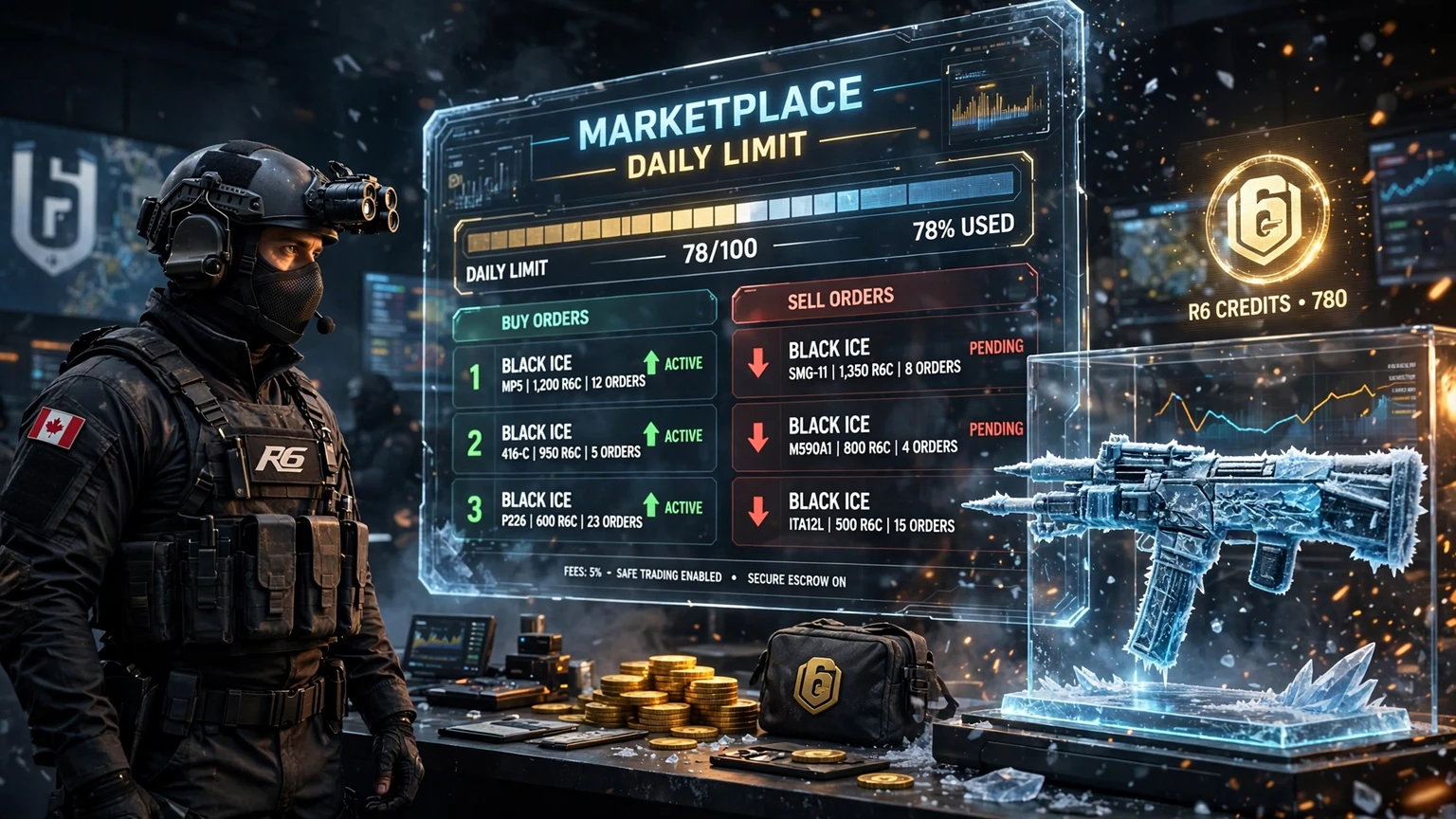
Figure: R6 Marketplace Order Limits — daily cap, active orders, and what happens when you reach them.
What Are R6 Marketplace Order Limits?
An order limit is a ceiling on trading activity in a set period. On the R6 Marketplace, two ceilings matter, and confusing them is the most common beginner mistake.
The first is the daily order limit: how many new orders you can place within 24 hours. Once used up, you cannot place more until the window resets, even with plenty of R6 Credits and items to sell.
The second is the active-order limit: how many orders can sit open at once. An order counts as active from placement until it is filled, cancelled, or expires, and orders from different days all count together while open.
Limits exist to slow bots and abuse and keep the order book readable. For a normal player they are rarely a problem; for an active trader they are essential to learn.
The Daily Order Limit Explained
The most commonly reported daily limit is 20 orders per 24 hours, covering buy and sell orders combined — ten of each in a day would use the full allowance.
A few practical points follow from that principle:
- Cancelled orders may still count. If you place an order and then cancel it, do not assume the slot comes back for free. Some systems count the placement itself against the daily total, so placing and cancelling repeatedly can burn through your allowance fast.
- The clock matters. A daily limit may run on a rolling 24-hour window, not reset at local midnight, so an order placed at 9 pm can count until 9 pm the next day.
- Buying and selling share the pool. Do not plan a day as if you get a separate allowance for buying and another for selling. If the limit is combined, every order, in either direction, draws from the same pool.
Count before you trade: subtract today's orders from the reported limit, and spend remaining slots on your best deals.
Active Orders: How Many Can You Hold?
Separate from the daily cap, fan guides commonly report an active cap of 5 buy and 5 sell orders at once, 10 in total. You cannot open an eleventh order while all ten slots are full.
How active orders behave:
- An order stays active until matched, cancelled, or expired.
- Cancelling normally frees its active slot, even without restoring daily allowance.
- Expiry also frees a slot, but takes time — do not rely on it urgently.
- A filled order frees its slot, so slow, overpriced listings clog slots while fast-moving items rarely do.
| Limit type | Commonly reported figure | What it counts |
|---|---|---|
| Daily order limit | 20 orders per 24 hours | New buy and sell orders combined |
| Active buy orders | 5 open orders | Buy orders still waiting to be matched |
| Active sell orders | 5 open orders | Sell orders still waiting to be matched |
| Total active orders | 10 open orders | Buy and sell orders combined |
Caveat: these are fan-guide figures, not independently verified official numbers, and guides sometimes disagree. If your account behaves differently, trust the marketplace itself over any guide, including this one.
Buy Orders vs Sell Orders Under the Limit
Buy orders and sell orders look similar, but they interact with limits in different ways, and understanding the difference saves both time and Credits.
A buy order is a bid: the item you want and the maximum price you will pay, with your R6 Credits normally reserved while it is open. That matters twice over — it occupies a buy slot, and the reserved Credits cannot fund another bid until it is filled or cancelled.
A sell order is a listing: an item from your inventory at a chosen price, tied to that listing while open. It occupies a sell slot, and the item cannot be listed again or traded elsewhere until filled or cancelled — so overpriced listings lock both slots and inventory.
What Happens When You Cross the Limit?
Crossing a limit is rarely dramatic. Hitting the daily limit normally means new orders are refused with a limit message. Existing orders are not deleted, items are not lost, and Credits are not taken — you simply cannot add orders until the window resets. Retrying every few minutes does not help and can look automated, so stop and wait.
Hitting the active-order limit also means refusal, with nothing deleted. The fix differs: free a slot by cancelling an open order, letting one expire, or waiting for one to fill. This is faster and entirely in your control.
| Situation | What you see | What to do |
|---|---|---|
| Daily limit reached | New orders refused, limit message shown | Wait for the window to reset; do not spam retries |
| Active buy slots full | New buy order refused | Cancel a stale buy order or wait for a match |
| Active sell slots full | New sell order refused | Cancel or reprice a stale listing |
| Both limits reached | No new orders in either direction | Cancel stale orders first, then wait for the daily reset |
If a limit message persists long after you expect a reset, check the basics: the right account, how many orders you actually placed, and whether old orders are still open. If the block continues, use official support — never hand login details to anyone offering to lift a limit.
How Order Limits Interact With Fees, Cooldowns and Expiry
Order limits do not operate alone. They sit alongside fees, cooldowns, and expiry rules, and the combination is what catches many traders out.
The marketplace fee, commonly reported as 10 percent of the sale price, does not change your limit, but it changes which orders are worth a slot. A low-value listing that sits for days, then pays a fee, may be worse than no listing at all. Reserve slots for trades where the price after fees still makes sense.
Cooldowns affect when an item can be sold again after being bought or traded. Fan guides commonly report around 15 days, though some report different periods, so treat the length as reported, not settled. A cooldown frees no slot; it simply means some items cannot be listed yet.
Expiry affects how long an order stays open. Fan guides commonly report 30 days, after which an unfilled order lapses and its slot frees up. That is a safety net, not a strategy — cancelling a stale order today beats waiting 30 days.
Before placing an order, ask: do I have a daily slot, an active slot in the right lane, a price worth the fee, and an eligible item? If any answer is no, fix that first.
How to Plan Around the Limits Like a Smart Trader
Good traders plan around limits. First, rank trades and place the top ones first, while slots are free.
Second, keep one slot in reserve. With all ten full you cannot react to a sudden opportunity.
Third, review open orders daily. Cancel stale, overpriced listings and outdated bids. This habit frees more slots than any other trick.
Fourth, batch trading into one or two focused sessions. That makes daily usage easier to count and shows when you are close to the limit.
Common Mistakes That Waste Your Daily Orders
Most limit problems are not caused by the limit itself. They are caused by habits that burn slots on trades that were never going to work.
- Listing everything at once. Listing thirty items on day one hits both limits immediately. List your best items first, sell those, then list the next batch.
- Bidding on everything you like. Five buy slots disappear fast. Bid only on items you genuinely want at the price you set.
- Placing and cancelling repeatedly. Each placement can count against the daily total, even if cancelled minutes later. Decide your price before placing the order.
- Leaving stale listings open. An overpriced listing sitting for weeks blocks a sell slot and ties up an item. Reprice or cancel it.
- Ignoring the active lane. Watching only the daily total surprises you when a new order is refused despite daily allowance left. Always check both limits.
- Chasing a limit message with retries. Repeated failed attempts create no new slot. Stop, check your orders, and wait or cancel.
Frequently Asked Questions
How many orders can I place on the R6 Marketplace per day?
Fan guides most commonly report 20 orders per 24 hours, buy and sell combined. Treat this as reported, not independently verified official policy.
How many active orders can I have open at once?
Fan guides commonly report 5 active buy and 5 active sell orders at once, 10 in total, in separate lanes — a full buy lane does not block sell orders.
What happens if I reach the daily order limit?
New orders are refused until the daily window resets. Existing orders, items, and Credits are not lost. Wait for the reset and plan your next session around the trades that matter most.
Does cancelling an order give me my daily order back?
Cancelling normally frees the active slot, but may not restore daily allowance if the placement itself counted. Do not rely on it for extra daily capacity.
Why can I not place a new order even though I have not traded today?
Check active orders first. Orders from earlier days still count while open, so full slots can block new orders even on a day you placed nothing. Cancel a stale order to free a slot.
Do order limits change, and should I trust a single guide?
Limits can change, and guides sometimes disagree on caps and cooldown lengths. Use guides as a starting point, trust what the marketplace shows for your account, and check official sources before a large trade.
Related Guides
- R6 Marketplace
- What is R6 Marketplace? Complete Trading Guide
- How does R6 Marketplace Work? Complete Trading Guide
- How to Buy on R6 Marketplace: Quick Guide for Friends & Teams
- How to Sell on R6 Marketplace: Boost Your Sales Today
- How to Trade on R6 Marketplace
- R6 Marketplace Requirements: Safe Trading Rules Explained
- How to activate 2fa on R6 Marketplace
Final Conclusion
R6 marketplace order limits are guardrails that keep the marketplace fair, readable, and resistant to abuse. The daily cap, most commonly reported as 20 orders per 24 hours, and the active cap, most commonly reported as 5 buy and 5 sell orders open at once, decide how fast you can trade and how many trades you can keep open.
Traders who cope best rank their trades, keep a slot in reserve, review stale orders, and check the daily total and active lanes before ordering. Add realistic pricing, attention to fees and cooldowns, and a check of official sources when figures disagree, and limits become routine.
Remember one thing: count your orders before you place them, not after you are refused. A minute of planning saves a day of waiting.
Official source: Rainbow Six Siege.