
Online gaming has a way of collapsing time. A session that felt like an hour turns out to have been four, and by the end of it the eyes are burning, the neck is stiff, the posture has quietly collapsed, and the brain is wired enough that sleep feels like a distant prospect. Most gamers accept this as part of the experience without considering that a few practical additions to their setup would change most of it.
These are not the peripherals that get discussed in gear reviews. No mechanical keyboards or high-refresh monitors here. These are the things that determine whether you can game for long sessions without your body making you regret it.
1. Blue Light Glasses
Screens emit a disproportionate amount of short-wavelength blue light compared to natural light sources, and gaming monitors, which typically run at higher brightness and contrast settings than office displays, sit at the more demanding end of that spectrum. Over a long session the visual processing effort that blue light demands accumulates quietly, contributing to the eye fatigue, headaches, and difficulty sleeping that most gamers experience regularly without connecting them to the light itself.
Blue light glasses carry a lens coating that filters a significant portion of that short-wavelength light before it reaches the eye. The immediate benefit during a long session is reduced eye fatigue and less of the visual strain that builds across several hours. The benefit that matters more for regular gamers is sleep quality. Blue light suppresses melatonin production, which delays sleep onset and reduces sleep depth. Gaming into the late evening without any filtering means your nervous system is still processing a stimulating light environment long after the session ends. Blue light glasses worn during evening sessions change that meaningfully.
They are available with and without prescription, and the better versions carry an anti-reflective coating alongside the blue light filter, which reduces the secondary reflections on the lens surface that add their own low-level visual effort across a session. For anyone who games regularly and has never tried them, the difference in how your eyes feel at the end of a long session is noticeable enough to be worth the cost of a basic pair.
2. A Quality Chair With Lumbar Support
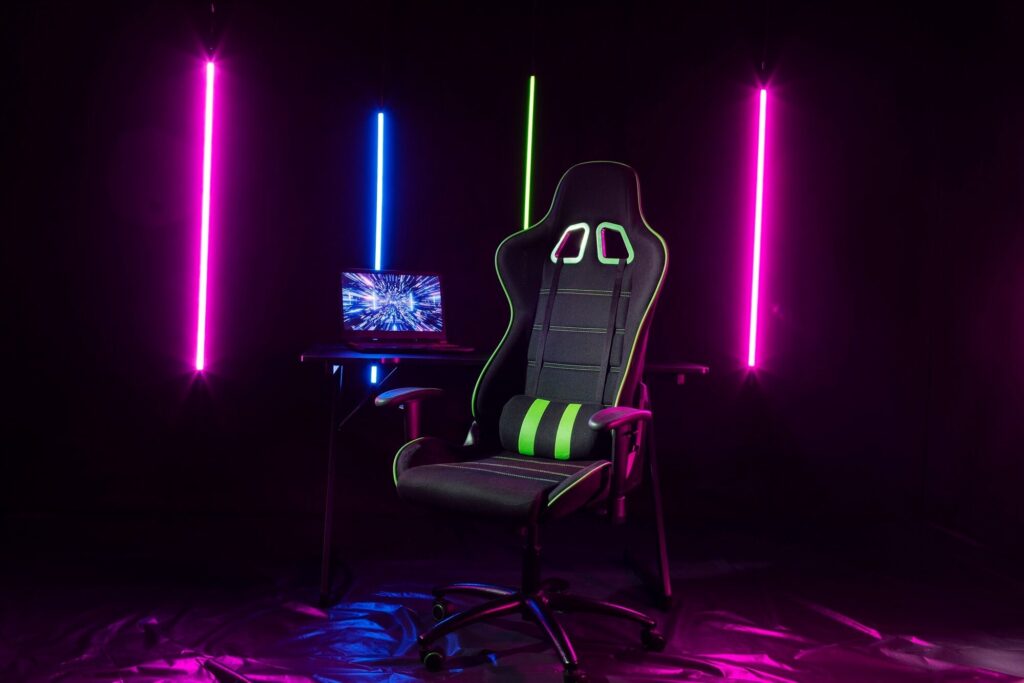
Posture during gaming degrades in a predictable pattern. The session starts with reasonable positioning and ends with the shoulders forward, the lower back unsupported, and the neck extended toward the screen. This is not a discipline failure. It is what happens when a chair does not support the body adequately for the position it is being held in across several hours.
A chair with proper lumbar support keeps the lower back in a natural curve, which reduces the postural collapse that leads to the neck and shoulder stiffness most gamers know well. The lumbar support needs to be adjustable in height to actually sit at the right point on your spine, and the chair needs armrests at a height that lets your shoulders drop rather than rise to meet them.
Gaming chairs vary considerably in how much actual ergonomic support they provide versus how much they look like racing seats. If the chair you are considering does not describe its lumbar support in specific terms, it probably does not have meaningful lumbar support.
3. Lubricating Eye Drops
Blink rate drops significantly during concentrated gaming, in the same way it does during any screen-intensive activity. The tear film that keeps the eye surface hydrated breaks down faster than it is replenished, and the result is the dry, gritty, uncomfortable sensation that is one of the most consistent complaints among people who game for long stretches.
A small bottle of preservative-free eye drops on the desk addresses this directly. Applied once or twice during a session, they restore the tear film and remove the surface discomfort that would otherwise build through the evening. They take three seconds to use, cost very little, and make a more immediate difference to in-session eye comfort than almost anything else on this list.
4. A Desk Setup at the Right Height and Distance
Monitor distance and height affect both visual comfort and posture in ways that interact with everything else on this list. A screen too close forces the eye muscles to work harder to maintain focus. A screen too high pulls the neck back. Too low and the head drops forward, which loads the cervical spine in the same way a forward head posture during desk work does.
The generally recommended monitor distance for gaming is 60 to 90 centimetres depending on screen size, with the top of the screen at or slightly below eye level. Most gaming setups have never been measured against these figures, and small adjustments, raising the monitor on a stand, pushing it back a few centimetres, repositioning the chair height, change how the body feels after a long session more than most people expect before trying it.
5. A Consistent Break Routine
The 20-20-20 rule is not exciting enough to appear in gaming gear guides, which is probably why so few gamers follow it. Every twenty minutes, look at something twenty feet away for twenty seconds. The eye muscles responsible for near focus fatigue under sustained load in the same way any muscle does, and this brief redirection of gaze gives them a recovery window that prevents the accumulated fatigue from becoming the dominant experience by the end of the session.
A break routine that also includes standing up briefly, rolling the shoulders, and drinking something adds to this without requiring the session to stop meaningfully. Setting a timer is the most reliable way to make it happen, because the natural rhythm of a gaming session does not include obvious pause points that prompt breaks organically.
The Bottom Line
Long gaming sessions do not have to end with burning eyes, a stiff neck, and a brain too wired for sleep. Blue light glasses, a chair that actually supports your posture, eye drops within reach, a correctly positioned setup, and a consistent break routine address the five most common sources of physical discomfort in gaming without touching anything that affects how the game itself plays.
None of these are expensive relative to the cost of a typical gaming setup. Several of them cost almost nothing. The combination of all five changes how gaming feels across a long session considerably more than another peripheral upgrade would.